中文 | English
For individuals managing personal projects or those responsible for IT operations in small businesses who need to manage multiple domain names, applying for certificates manually comes with several drawbacks:
- 😱 Troublesome: Applying for and deploying certificates isn’t difficult, but it can be quite a hassle, especially when managing multiple domains.
- 😭 Easily forgotten: The current free certificate has a validity period of only 90 days, requiring regular renewal operations. This increases the workload and makes it easy to forget, which can result in the website becoming inaccessible.
Certimate was created to solve the above-mentioned issues and has the following advantages:
- Local Deployment: Simply to install, download the binary and run it directly. Supports Docker deployment and source code deployment for added flexibility.
- Data Security: With private deployment, all data is stored on your own servers, ensuring it never resides on third-party systems and maintaining full control over your data.
- Easy Operation: Effortlessly apply and deploy SSL certificates with minimal configuration. The system automatically renews certificates before expiration, providing a fully automated workflow, no manual intervention required.
Certimate aims to provide users with a secure and user-friendly SSL certificate management solution.
- Flexible workflow orchestration, fully automation from certificate application to deployment;
- Supports single-domain, multi-domain, wildcard certificates, with options for RSA or ECC.
- Supports DNS-01 challenge and HTTP-01 challenge both.
- Supports various certificate formats such as PEM, PFX, JKS.
- Supports more than 60+ domain registrars (e.g., Alibaba Cloud, Tencent Cloud, Cloudflare, etc. Check out full providers);
- Supports more than 100+ deployment targets (e.g., Kubernetes, CDN, WAF, load balancers, etc. Check out full providers);
- Supports multiple notification channels including email, DingTalk, Feishu, WeCom, Webhook, and more;
- Supports multiple ACME CAs including Let's Encrypt, Actalis, Google Trust Services,SSL.com, ZeroSSL, and more;
- More features waiting to be discovered.
Deploy Certimate in 1 minute!
Download the archived package of precompiled binary files directly from GitHub Releases, extract and then execute:
./certimate serve
Visit http://127.0.0.1:8090 in your browser.
Default administrator account:
- Username:
admin@certimate.fun - Password:
1234567890
Work with Certimate right now. Or read other content in the documentation to learn more.
For full documentation, please visit docs.certimate.me.
Related articles:

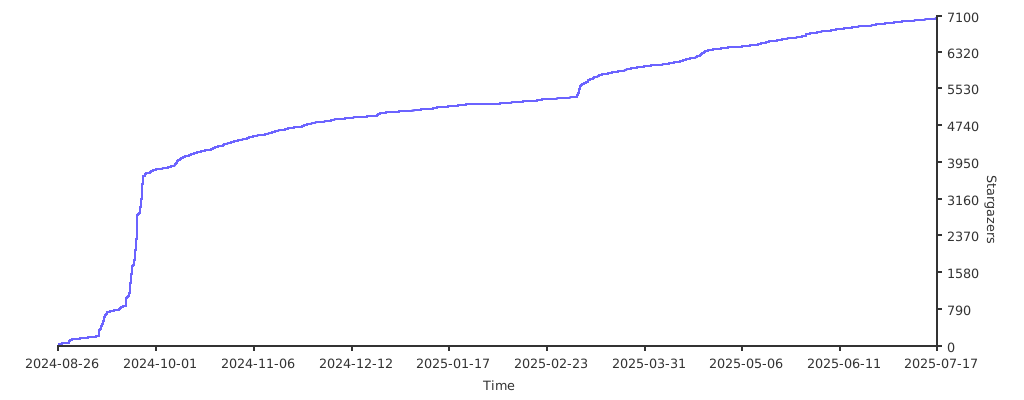
Certimate is a free and open-source project, and your feedback and contributions are needed and always welcome. Contributions include but are not limited to: submitting code, reporting bugs, sharing ideas, or showcasing your use cases based on Certimate. We also encourage users to share Certimate on personal blogs or social media.
For those who'd like to contribute code, see our Contribution Guide.
Issues and Pull Requests are opened at https://github.com/certimate-go/certimate.
This repository is available under the MIT License, and distributed “as-is” without any warranty of any kind. The authors and contributors are not responsible for any damages or losses resulting from the use or inability to use this software, including but not limited to data loss, business interruption, or any other potential harm.
No Warranties: This software comes without any express or implied warranties, including but not limited to implied warranties of merchantability, fitness for a particular purpose, and non-infringement.
User Responsibilities: By using this software, you agree to take full responsibility for any outcomes resulting from its use.
-
Wechat Group