

Expand all

- drag ltx-video-2b-v0.9.1-r2-q4_0.gguf (1.09GB) to > ./ComfyUI/models/diffusion_models
- drag t5xxl_fp16-q4_0.gguf (2.9GB) to > ./ComfyUI/models/text_encoders
- drag ltxv_vae_fp32-f16.gguf (838MB) to > ./ComfyUI/models/vae
- run the .bat file in the main directory (assuming you are using the gguf-node pack below)
- drag the workflow json file (below) to > your browser
- example workflow for gguf (see demo above)
- example workflow for the original safetensors
q2_kgguf is super fast but not usable; keep it for testing only- surprisingly
0.9_fp8_e4m3fnand0.9-vae_fp8_e4m3fnare working pretty good - mix-and-match possible; you could mix up using the vae(s) available with different model file(s) here; test which combination works best
- you could opt to use the t5xxl scaled safetensors or t5xxl gguf (more quantized versions of t5xxl can be found here) as text encoder
- new set of enhanced vae (from fp8 to fp32) added in this pack; the low ram version gguf vae is also available right away; upgrade your node for the new feature: gguf vae loader
- gguf-node is available (see details here) for running the new features (the point below might not be directly related to the model)
- you are able to make your own
fp8_e4m3fnscaled safetensors and/or convert it to gguf with the new node via comfyui
import torch
from transformers import T5EncoderModel
from diffusers import LTXPipeline, GGUFQuantizationConfig, LTXVideoTransformer3DModel
from diffusers.utils import export_to_video

model_path = (
    "https://huggingface.co/calcuis/ltxv-gguf/blob/main/ltx-video-2b-v0.9-q8_0.gguf"
    )
transformer = LTXVideoTransformer3DModel.from_single_file(
    model_path,
    quantization_config=GGUFQuantizationConfig(compute_dtype=torch.bfloat16),
    torch_dtype=torch.bfloat16,
    )

text_encoder = T5EncoderModel.from_pretrained(
    "calcuis/ltxv-gguf",
    gguf_file="t5xxl_fp16-q4_0.gguf",
    torch_dtype=torch.bfloat16,
    )

pipe = LTXPipeline.from_pretrained(
    "callgg/ltxv-decoder",
    text_encoder=text_encoder,
    transformer=transformer,
    torch_dtype=torch.bfloat16
    ).to("cuda")

prompt = "A woman with long brown hair and light skin smiles at another woman with long blonde hair. The woman with brown hair wears a black jacket and has a small, barely noticeable mole on her right cheek. The camera angle is a close-up, focused on the woman with brown hair's face. The lighting is warm and natural, likely from the setting sun, casting a soft glow on the scene. The scene appears to be real-life footage"
negative_prompt = "worst quality, inconsistent motion, blurry, jittery, distorted"

video = pipe(
    prompt=prompt,
    negative_prompt=negative_prompt,
    width=704,
    height=480,
    num_frames=25,
    num_inference_steps=50,
    ).frames[0]
export_to_video(video, "output.mp4", fps=24)
- simply execute the command below in console/terminal
- note: during the first time launch, it will pull the model file(s) to local cache automatically; then opt to run it entirely offline; i.e., from local URL: http://127.0.0.1:7860 with lazy webui
- upgraded the base model from 0.9 to 0.9.6 distilled for better results
ggc vg
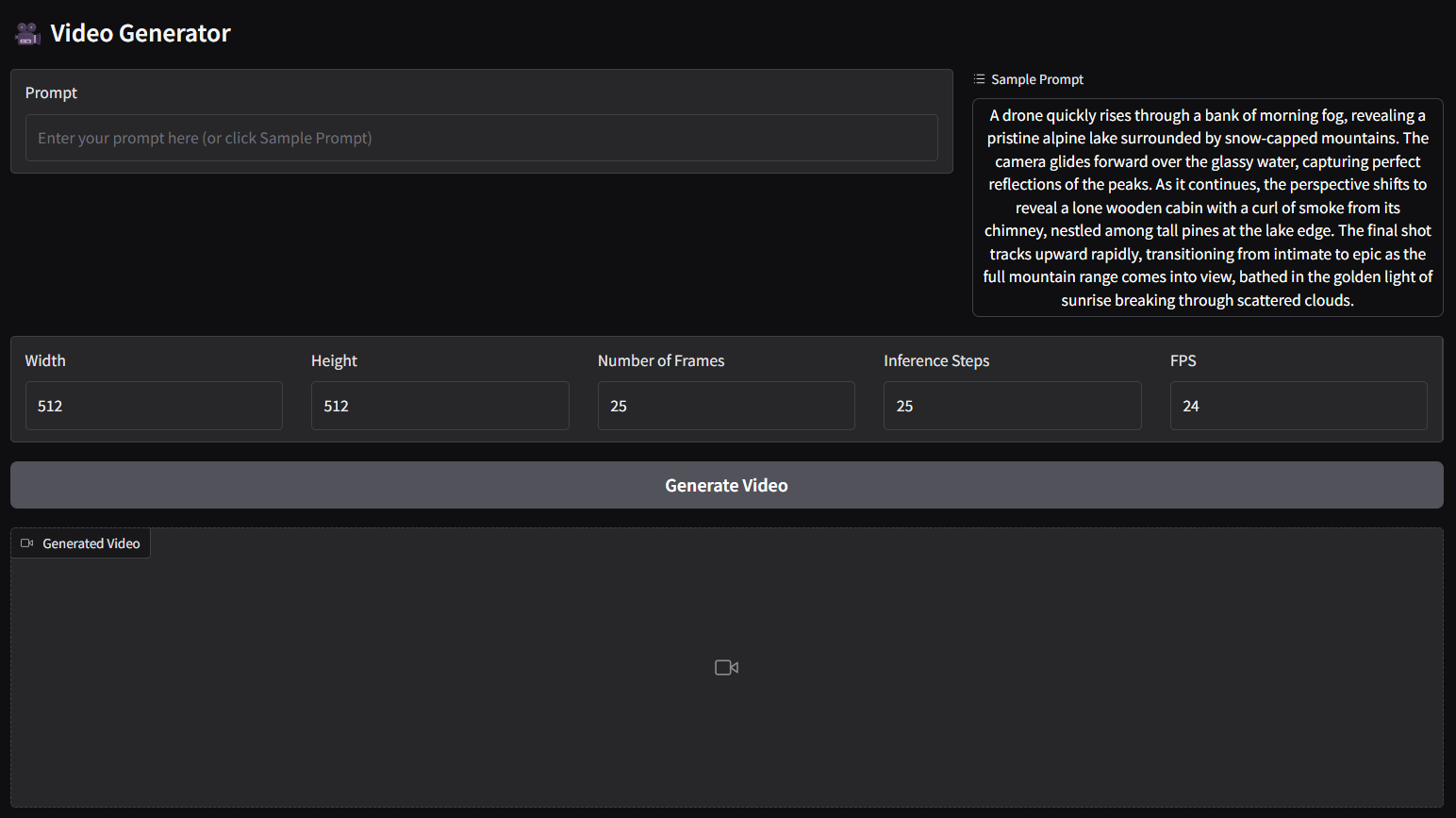
- the above command is for text to video (t2v) panel
- for image-text to video (i2v) panel, please execute:
ggc v1
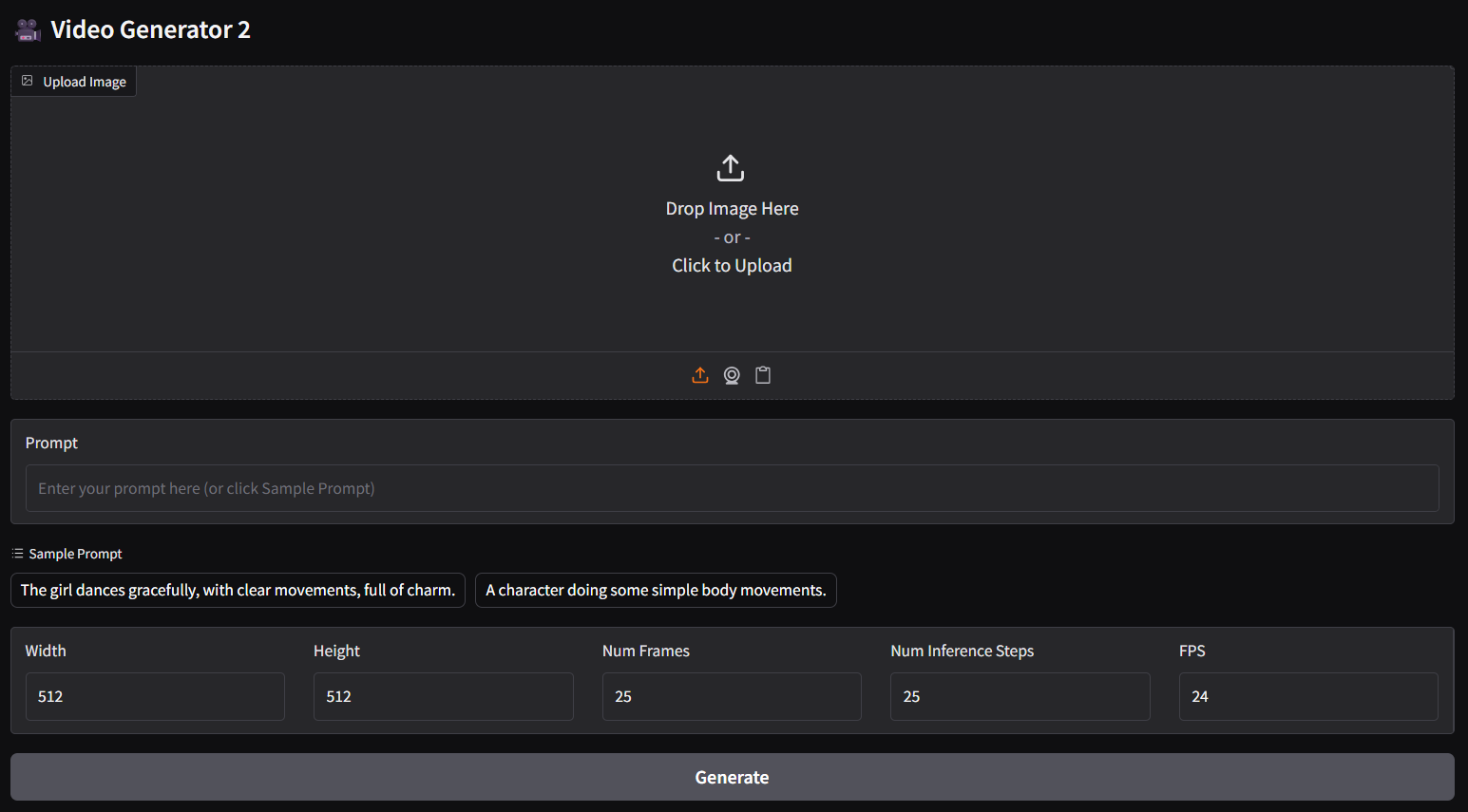
- base model from lightricks
- comfyui from comfyanonymous
- comfyui-gguf city96
- gguf-comfy pack
- gguf-connector (pypi)
- gguf-node (pypi|repo|pack)
35/F,Tencent Building,Kejizhongyi Avenue,Nanshan District,Shenzhen
