


If this project helps you, please give it a ⭐️ Star to support us!
- Repository: https://gitee.com/wuaxcn/nacrbbs
- Issues: Issues
- QQ: 21089086
- WeChat: rsrx9595
Due to the frontend-backend separation architecture, frontend and backend services need to be deployed separately. If you don't have deployment experience, feel free to contact me for help!
If you are interested in participating in project development, you are welcome to contact me to join the development! If you have any suggestions or corrections, you are also welcome to raise them! Let's learn and progress together!
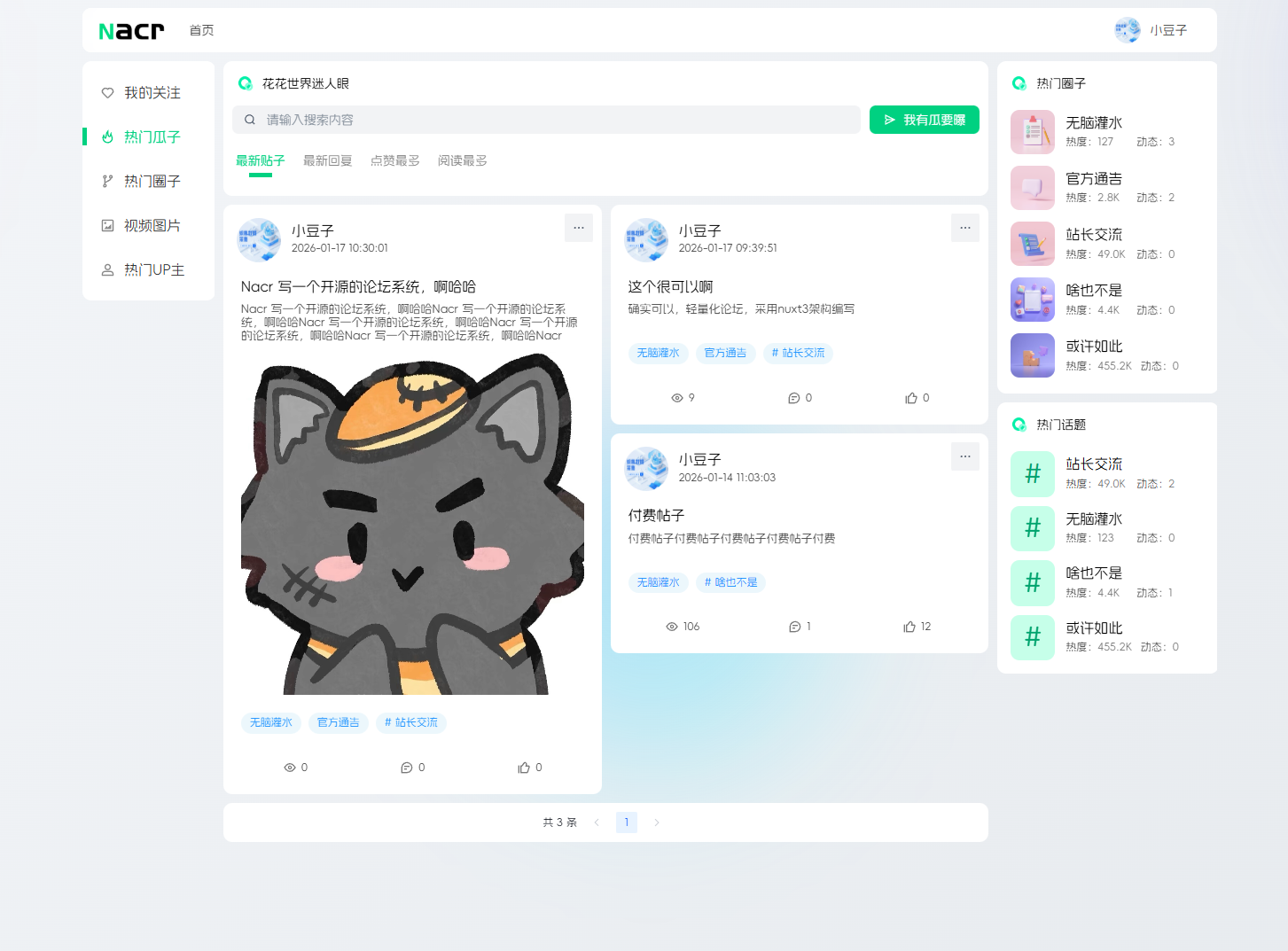
Nacr is a brand-new lightweight forum system built with a frontend-backend separation architecture, featuring a clean and beautiful interface with excellent performance. Based on the Fastify + Nuxt3 technology stack, it provides a complete community forum solution suitable for various scenarios such as personal blogs, corporate communities, technical forums, etc.
- 🎨 Modern UI - Beautiful interface design, clean and refreshing user experience
- ⚡ High-Performance Architecture - Fastify-driven backend + Nuxt3 frontend, ultimate performance
- 🔐 Comprehensive Security System - JWT authentication, permission management, data encryption
- 💳 Payment System - Integrated with Alipay and other payment methods
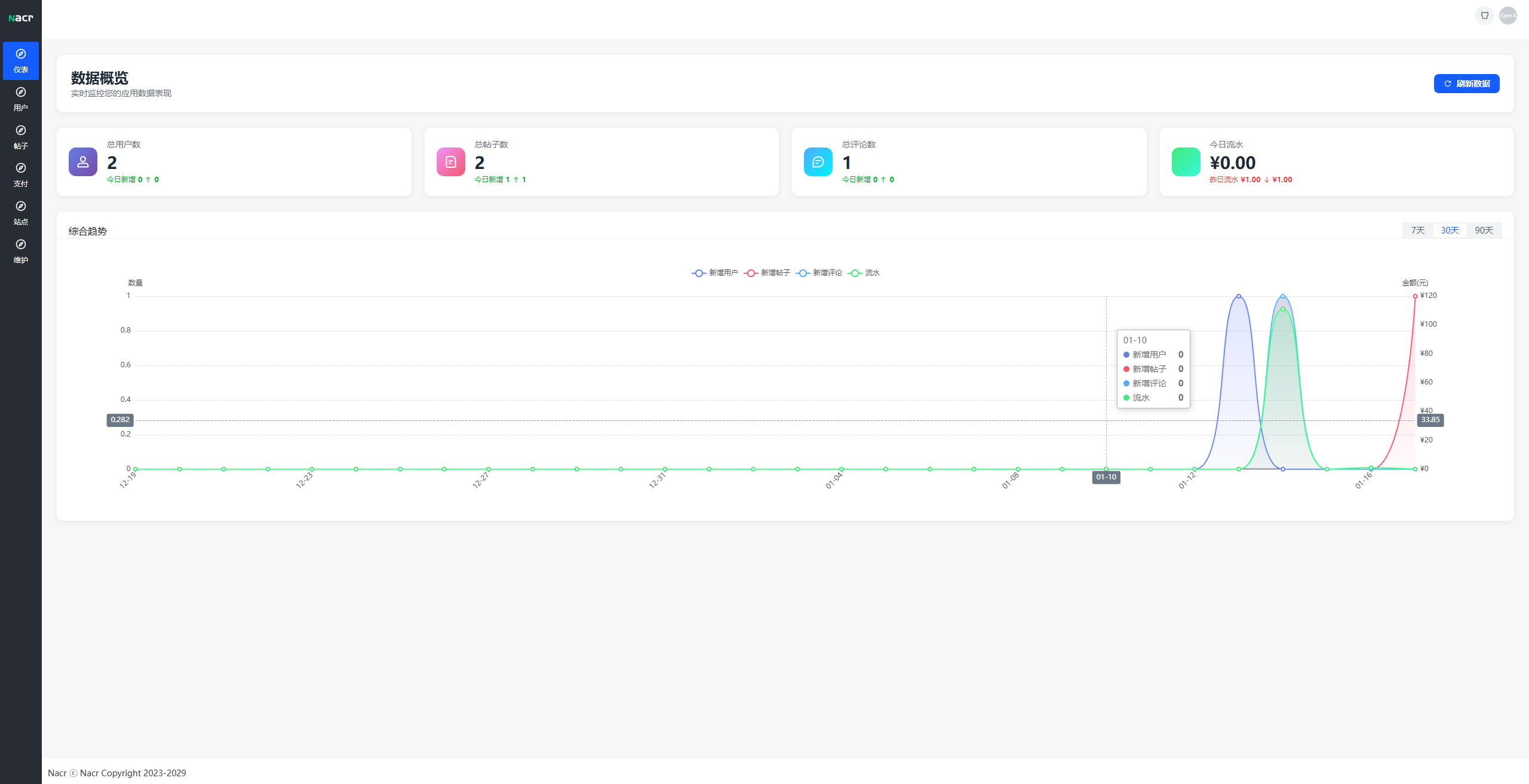
- 📊 Data Statistics - Rich backend data visualization analysis
- 📧 Email Service - Complete email notification and verification functions
- 🔄 Cache Optimization - Redis caching improves system response speed
- 📱 Responsive Design - Perfect adaptation for PC and mobile devices

- 👤 User registration/login (supports email verification, WeChat Mini Program)
- 📝 Post creation/editing/deletion
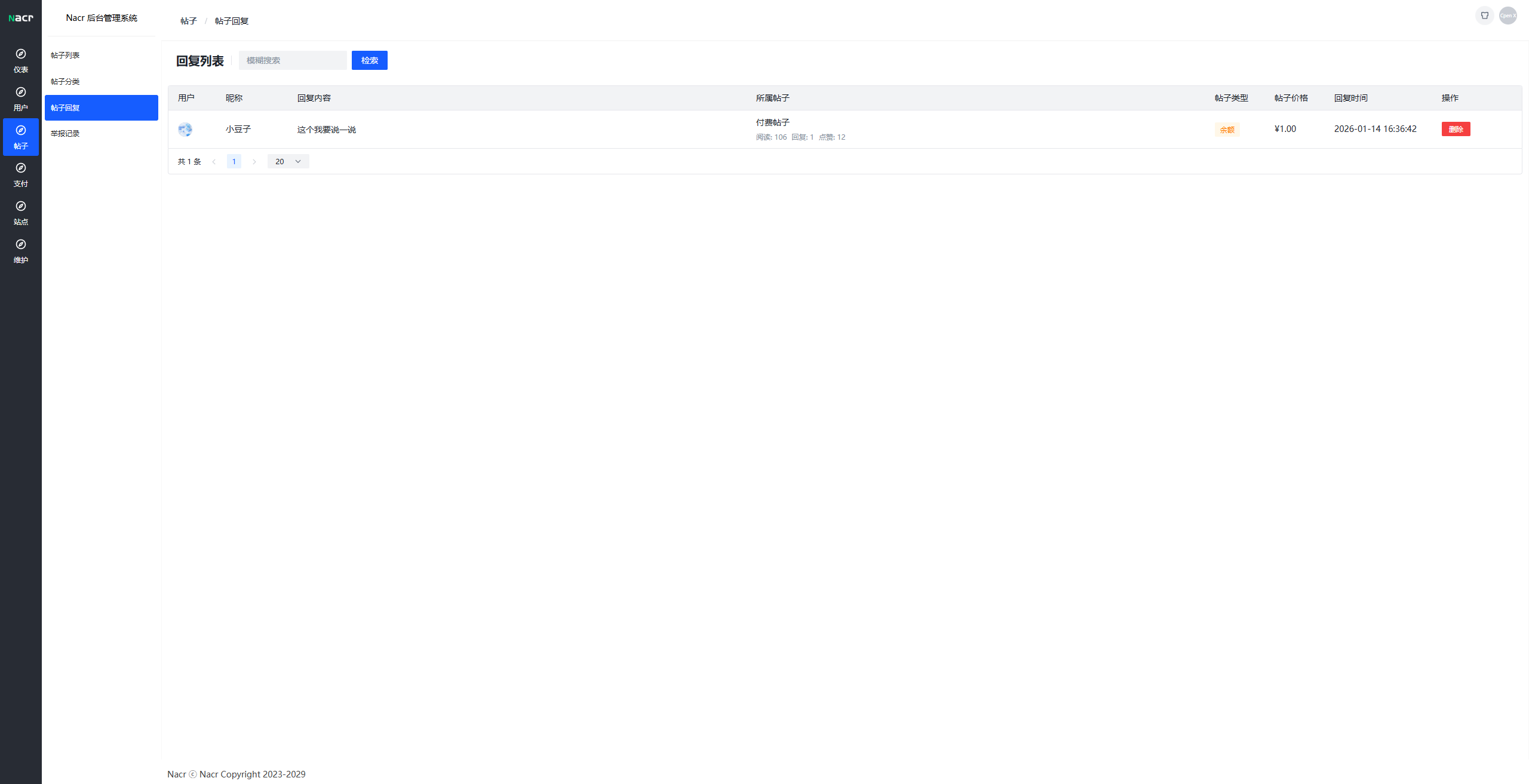
- 💬 Comment interaction, like function
- 👥 Follow users, private messaging system
- 📅 Check-in system, points rewards
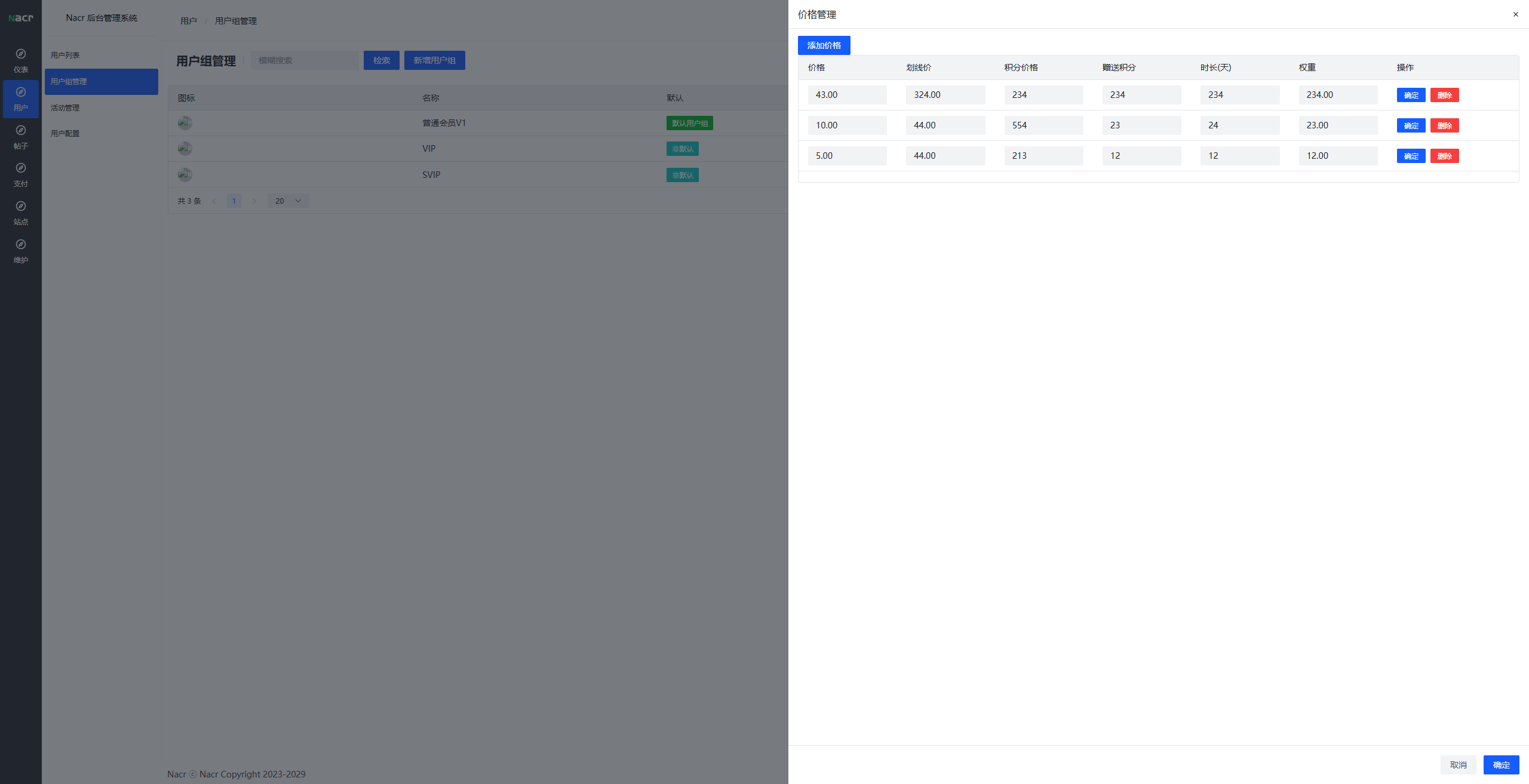
- 💳 Member recharge, order management
- 💰 Points transfer, balance withdrawal
- 🔔 Personal message notifications
- 🔍 Content search, category browsing
- 📊 Data statistics and trend analysis
- 👥 User management and user group settings
- 📰 Announcement management, carousel configuration
- 📂 Category management, content moderation
- 💸 Payment method configuration, order management
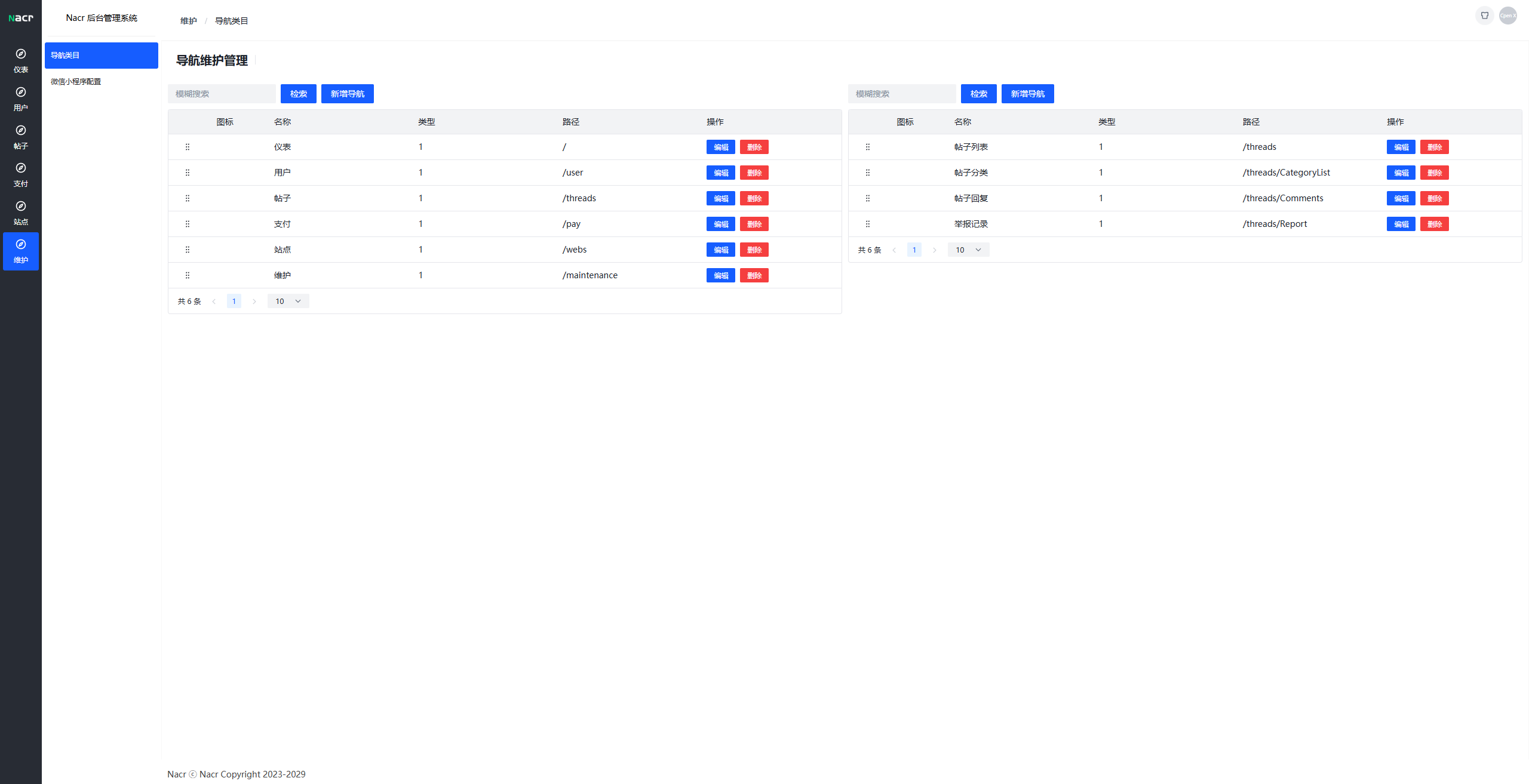
- 🎨 Site settings, navigation management
- 📧 Email template configuration
- 🎁 Activity management, marketing tools
- ⚙️ System configuration and permission management
| Technology | Description |
|---|---|
| Node.js | Runtime environment |
| Fastify | High-performance web framework |
| MySQL | Relational database |
| Redis | Cache database |
| Socket.io | Real-time communication |
| Nodemailer | Email service |
| JWT | Authentication |
| Axios | HTTP requests |
| Technology | Description |
|---|---|
| Nuxt 3 | Vue 3 SSR framework |
| Vue 3 | Frontend framework |
| Arco Design | UI component library |
| Pinia | State management |
| Monaco Editor | Code editor |
| WangEditor | Rich text editor |
| ECharts | Data visualization |
- Node.js >= 18.0.0
- MySQL >= 5.7
- Redis >= 6.0
- npm >= 9.0.0
git clone https://github.com/your-repo/nacrbbs.git
cd nacrbbs
# Backend dependencies
npm install

# Frontend dependencies
cd web/client
npm install

cd ../admin
npm install
Create a MySQL database and import the c_deft.sql file:
Configure database connection (edit app/config/database.json):
{
  "host": "localhost",
  "port": 3306,
  "user": "root",
  "password": "your_password",
  "database": "nacr_forum"
}
Configure Redis connection (edit app/config/redis.json):
{
  "host": "localhost",
  "port": 6379,
  "password": "",
  "db": 0
}
node index.js
Backend service runs on http://localhost:3000 by default
# Start frontend
cd web/client
npm run dev

# Start backend admin (new terminal)
cd web/admin
npm run dev
Frontend access: http://localhost:3001
Backend admin access: http://localhost:3002
Default admin account: admin / Password: admin123
nacrbbs/
├── app/                    # Backend core code
│   ├── config/            # Configuration files
│   ├── controller/        # Controller layer
│   │   ├── Admin/        # Admin interfaces
│   │   ├── user/         # User interfaces
│   │   └── tourist/      # Guest interfaces
│   ├── imp/              # Core implementation
│   ├── library/          # Third-party library wrappers
│   ├── router/           # Route definitions
│   ├── safety/           # Security middleware
│   └── scheduledTask/    # Scheduled tasks
├── web/                   # Frontend code
│   ├── client/           # Frontend user interface
│   └── admin/            # Backend admin interface
├── public/               # Static resources
├── c_deft.sql           # Database initialization script
└── index.js             # Backend entry file
Configure SMTP email server information in the admin backend for sending verification codes and notification emails.
The system supports multiple payment methods, which need to be configured in the admin backend.
Contributions are welcome! Please follow these steps:
- Fork this repository
- Create a feature branch (
git checkout -b feature/AmazingFeature) - Commit your changes (
git commit -m 'Add some AmazingFeature') - Push to the branch (
git push origin feature/AmazingFeature) - Open a Pull Request
This project is open-sourced under the MIT license
