

A highly extensible private cloud storage solution for individuals and teams, featuring AI-powered semantic search.


The ocean of data is boundless, let the eye of insight guide the voyage, yet its intricate connections lie deep, not fully discernible from the surface.
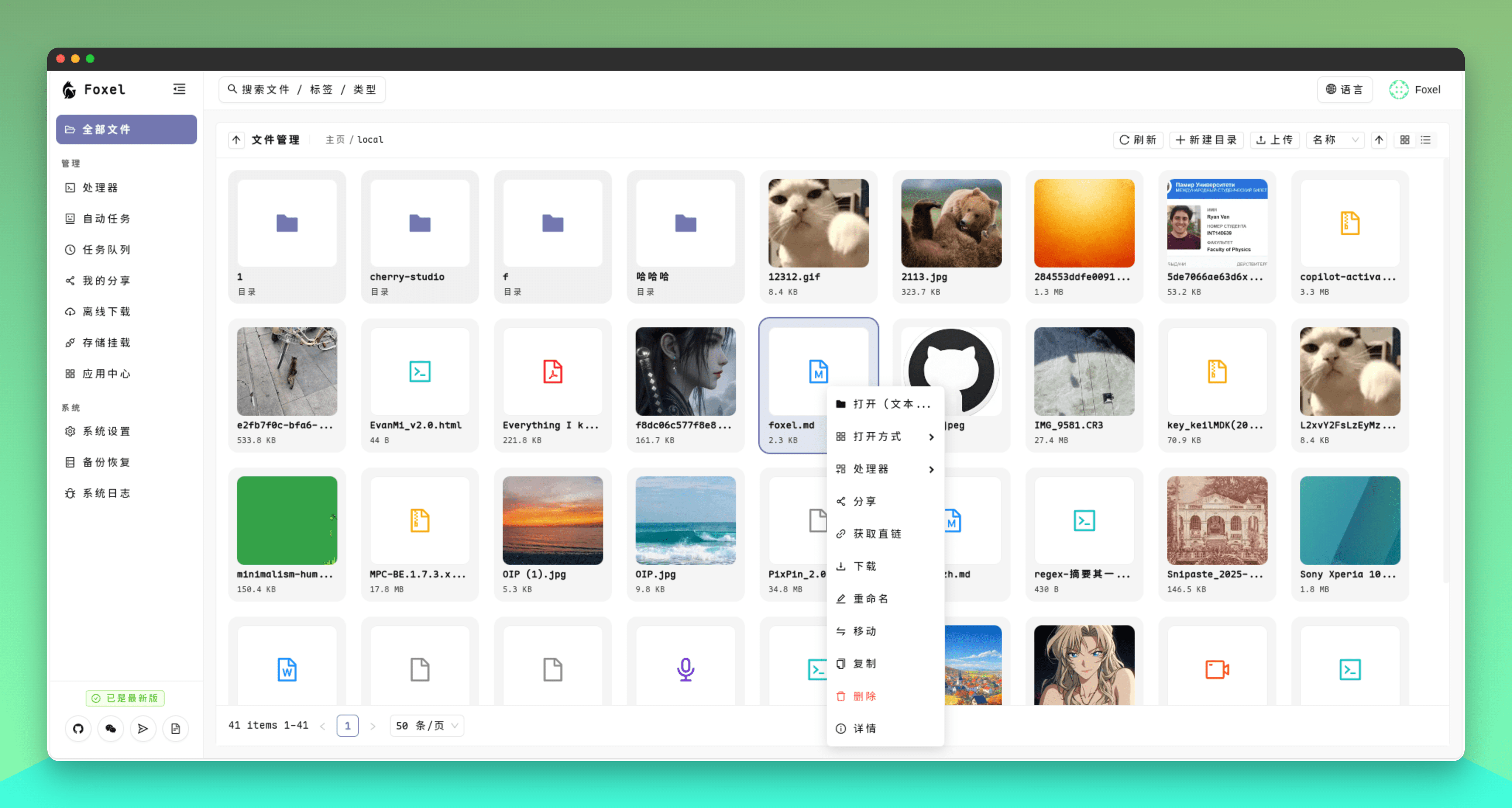
Account/Password:
admin/admin
- Unified File Management: Centralize management of files distributed across different storage backends.
- Pluggable Storage Backends: Utilizes an extensible adapter pattern to easily integrate various storage types.
- Semantic Search: Supports natural language search for content within unstructured data like images and documents.
- Built-in File Preview: Preview images, videos, PDFs, Office documents, text, and code files directly without downloading.
- Permissions and Sharing: Supports public or private sharing links for easy file distribution.
- Task Processing Center: Supports asynchronous task processing, such as file indexing and data backups, without impacting the main application.
Using Docker Compose is the most recommended way to start Foxel.
- Create Data Directories:
Create a
datafolder for persistent data:
mkdir -p data/db
mkdir -p data/mount
chmod 777 data/db data/mount
- Download Docker Compose File:
curl -L -O https://github.com/DrizzleTime/Foxel/raw/main/compose.yaml
After downloading, it is strongly recommended to modify the environment variables in the compose.yaml file to ensure security:
- Modify
SECRET_KEYandTEMP_LINK_SECRET_KEY: Replace the default keys with randomly generated strong keys.
- Start the Services:
docker-compose up -d
- Access the Application:
Once the services are running, open the page in your browser.
On the first launch, please follow the setup guide to initialize the administrator account.
We welcome contributions from the community! Whether it's submitting bugs, suggesting new features, or contributing code directly.
Before you start, please read our CONTRIBUTING.md file, which explains the development environment and submission process. A Simplified Chinese translation is available in CONTRIBUTING_zh.md.
Join our community on Telegram to discuss with developers and other users!
You can also join our WeChat group for more real-time communication and support. Please scan the QR code below to join:

If the QR code is invalid, please add WeChat ID drizzle2001, and we will invite you to the group.
